Calculation Setup
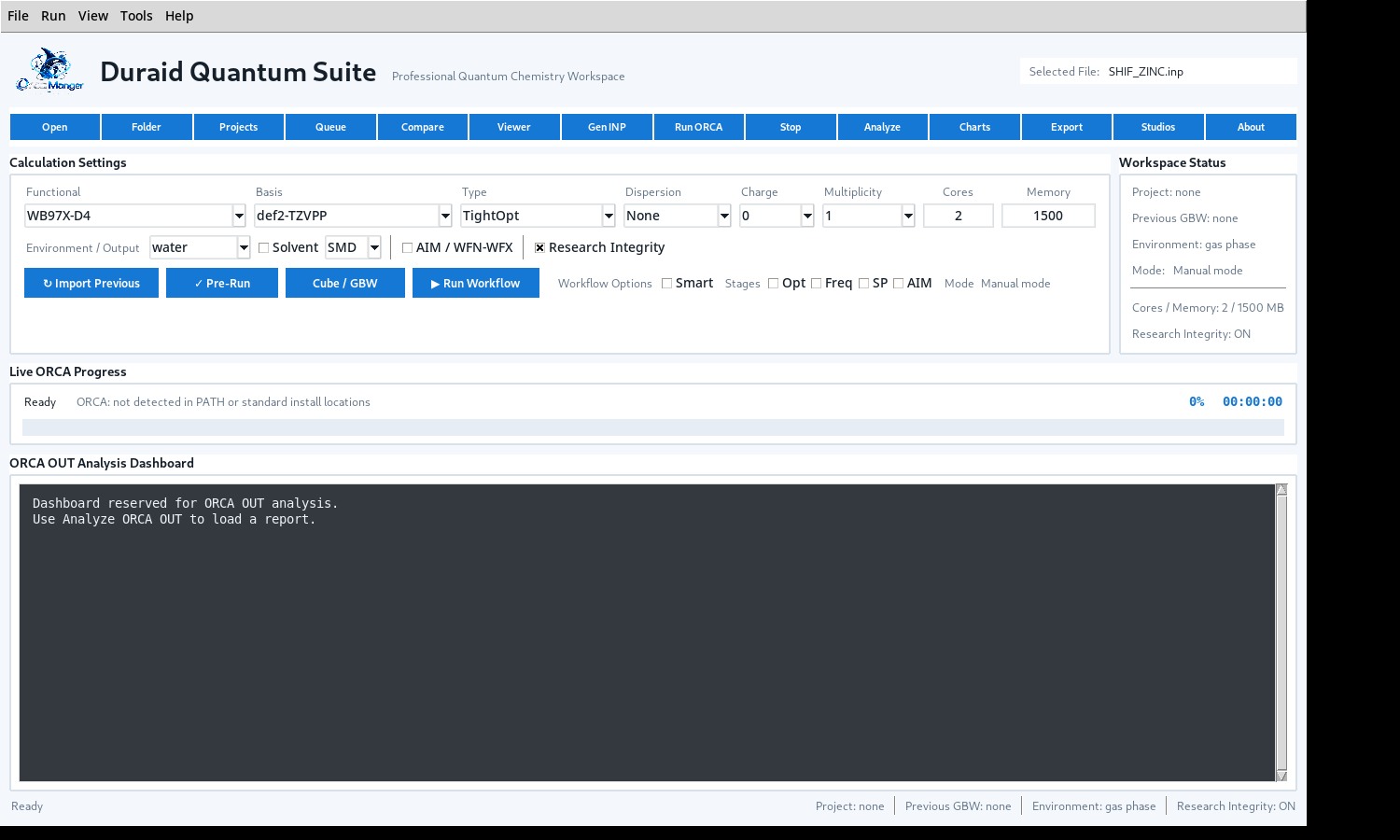
Build ORCA inputs with functional, basis, calculation type, charge, multiplicity, resources, solvent, and advanced workflow options in one view.
Duraid Quantum Suite brings ORCA calculation setup, execution, analysis, visualization, and research workflow tools into one focused desktop environment.

One workspace. Less friction.
DQS keeps the important stages close together while preserving ORCA as the calculation engine.
Build ORCA inputs with functional, basis, calculation type, charge, multiplicity, resources, solvent, and advanced workflow options in one view.
Run calculations from the workspace with live progress, safe project handling, queue support, and clear run state.
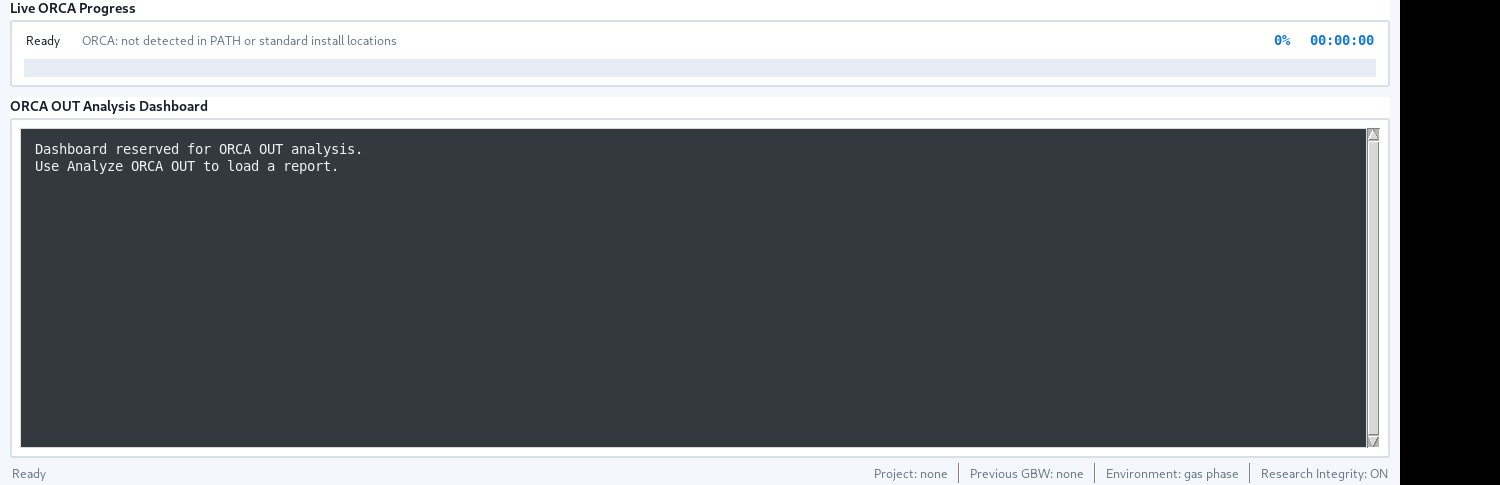
Load ORCA output into a dedicated analysis dashboard for energies, orbitals, charges, frequencies, and other research-relevant results.
Inspect molecular structures, bonding, measurements, trajectories, vibrations, and generated volumetric data from a focused 3D workflow.
Keep calculations organized, compare projects, import previous results, and continue work without mixing source and derived data.
Export analysis and research packages in practical formats for reporting, archiving, and downstream scientific work.
From structure to result
DQS helps organize the sequence; ORCA remains responsible for the quantum-chemical calculation itself.
Start from molecular coordinates or an existing ORCA input and keep the project files together.
Select method, basis, task, resources, environment, and optional workflow stages.
Check the project, geometry reference, charge and multiplicity, resources, and supported input choices before execution.
DQS launches the detected ORCA executable and captures output in the calculation project.
Open the completed OUT, inspect results, charts, molecular properties, viewer tools, and export what you need.
The interface
A research desktop, not a decorative shell.

System requirements
DQS is the workspace. ORCA is installed separately and performs the calculations.
Compatibility with future ORCA releases may require a DQS update if ORCA keywords, utilities, or output formats change.
Quick start
The public installer contains DQS only. ORCA remains a separate installation and is never bundled into the DQS package.
Run the Windows x64 setup and complete the standard installer.
Use the valid device license when DQS requests activation on first use.
DQS can use a detected ORCA installation or a selected ORCA executable path.
Inspect the input, geometry, resources, method choices, and workflow settings before execution.
Launch ORCA from the workspace and follow calculation progress without mixing the analysis dashboard with run status.
Open the completed ORCA OUT in the dedicated dashboard, viewer, charts, and export tools.
FAQ
Clear answers to the most important deployment questions.
No. DQS is an independent workspace. ORCA is installed separately and performs the quantum-chemical calculations.
Yes. DQS v1.0.0 requires a valid activation license.
The ORCA calculation itself runs locally. The public website and external download links are separate from the calculation process.
The v1.0.0 public installer is prepared for 64-bit Windows.
Yes. The official download section can publish the SHA-256 fingerprint of the exact installer after the final Windows build is produced.
Official release
Windows 64-bit installer. DQS requires a valid activation license and a separately installed ORCA distribution.
About DQS
Duraid Quantum Suite is an independent desktop workspace created to make ORCA-centered computational chemistry workflows easier to organize, inspect, analyze, and present.
DQS is not the ORCA program and is not presented as an official ORCA distribution. ORCA remains a separate third-party scientific software package.
The site is ready for publication. After the exact Windows installer is uploaded, place its direct release URL and SHA-256 in site-config.js. No other website file needs to change.